Get your API key and secret key
Get your API and secret keys in your merchant dashboard. For step-by-step instructions, see Get your API key.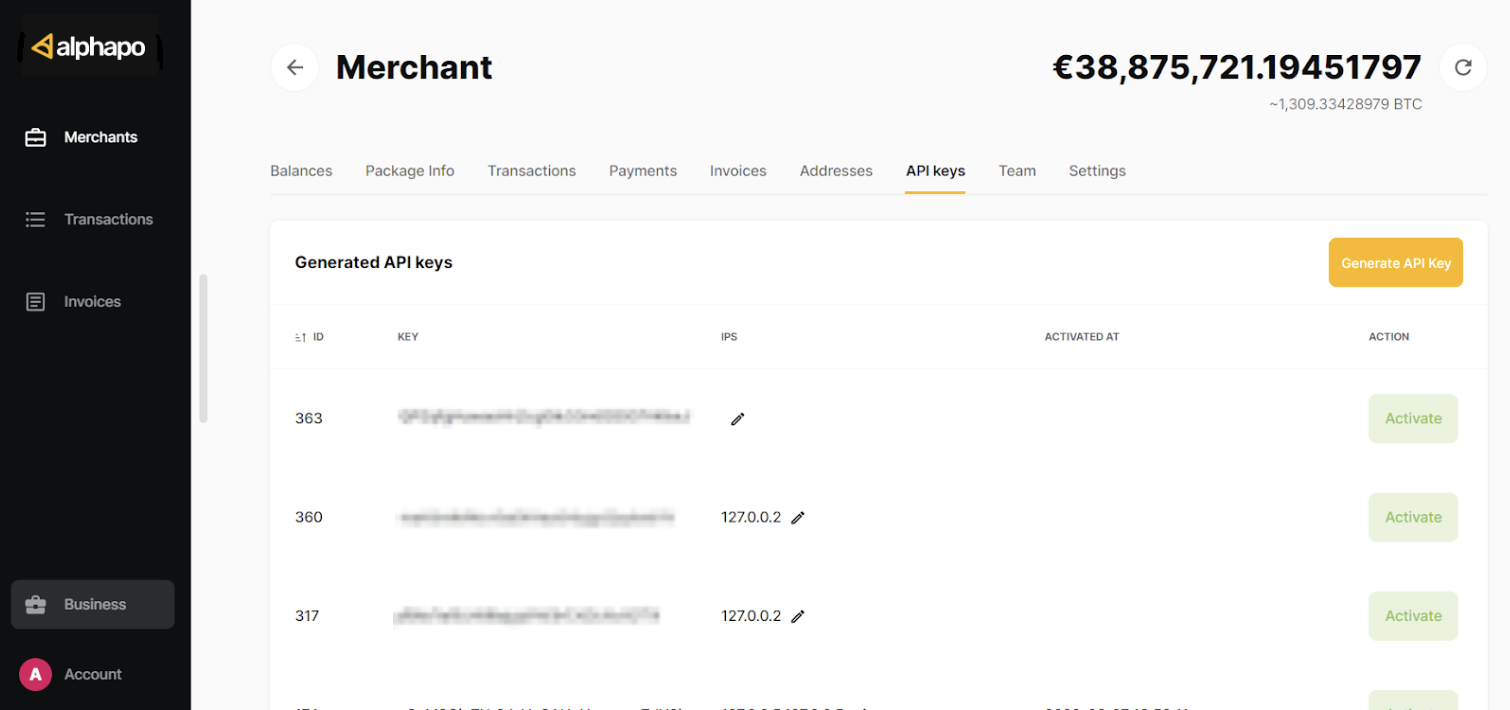
Set up a callback address
AlphaPo sends callbacks for every transaction (deposit or withdrawal). To be able to receive callbacks, you need to add at least one callback address. For more details, see Get callbacks. To add a callback address:Enter your callback URL and enter your 2FA code. Your callback URL must be a domain name. It cannot be an IP address.
Enable your preferred currencies
Make sure all the currencies you will be using are enabled in your merchant dashboard. For example, these are the currencies you will be able to create addresses for through the API.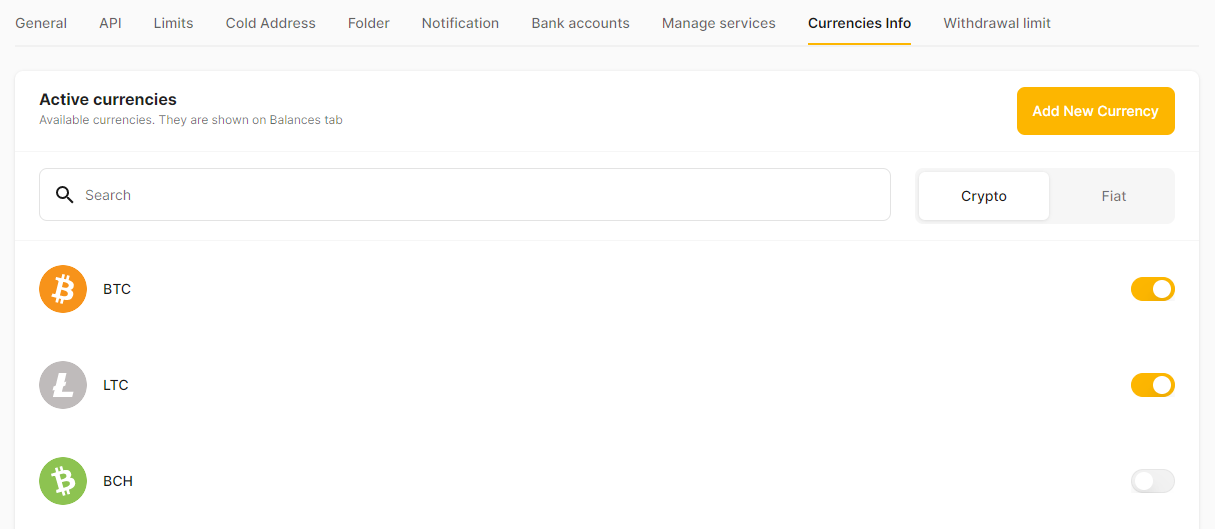
Whitelist IP addresses
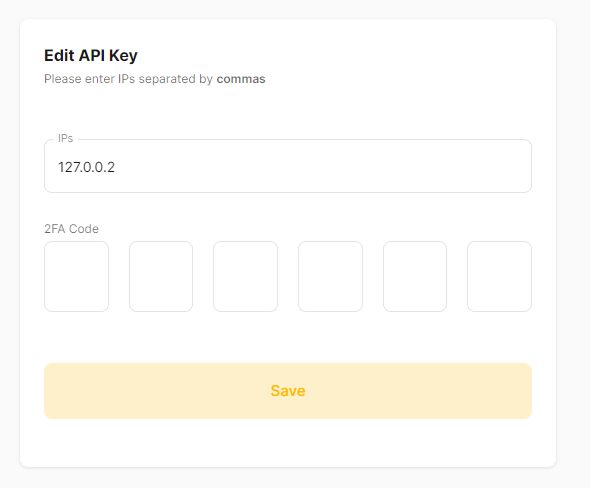
For extra security, whitelist IP addresses for your API key. Once you whitelist any IP addresses, AlphaPo will only accept API requests coming from these addresses and block all other requests. Even if someone got unauthorised access to your API key, they would not be able to use it without also being able to access the IP addresses you whitelisted. If you do not whitelist any IP addresses, AlphaPo will accept API requests coming from all addresses. To whitelist IP addresses:In the IPs field, your list of IP addresses separated by commas. You can whitelist the IP addresses of the servers that host your e-commerce platform, payment gateway or any system that integrates with AlphaPo. If you use a cloud service or a hosting provider, you can get these IP addresses from your service provider’s documentation or support team. Do not list your customers’ IP addresses.