Documentation Index
Fetch the complete documentation index at: https://docs.alphapo.net/llms.txt
Use this file to discover all available pages before exploring further.
Transactions tab
The Transactions tab contains information on all transactions of your merchant account.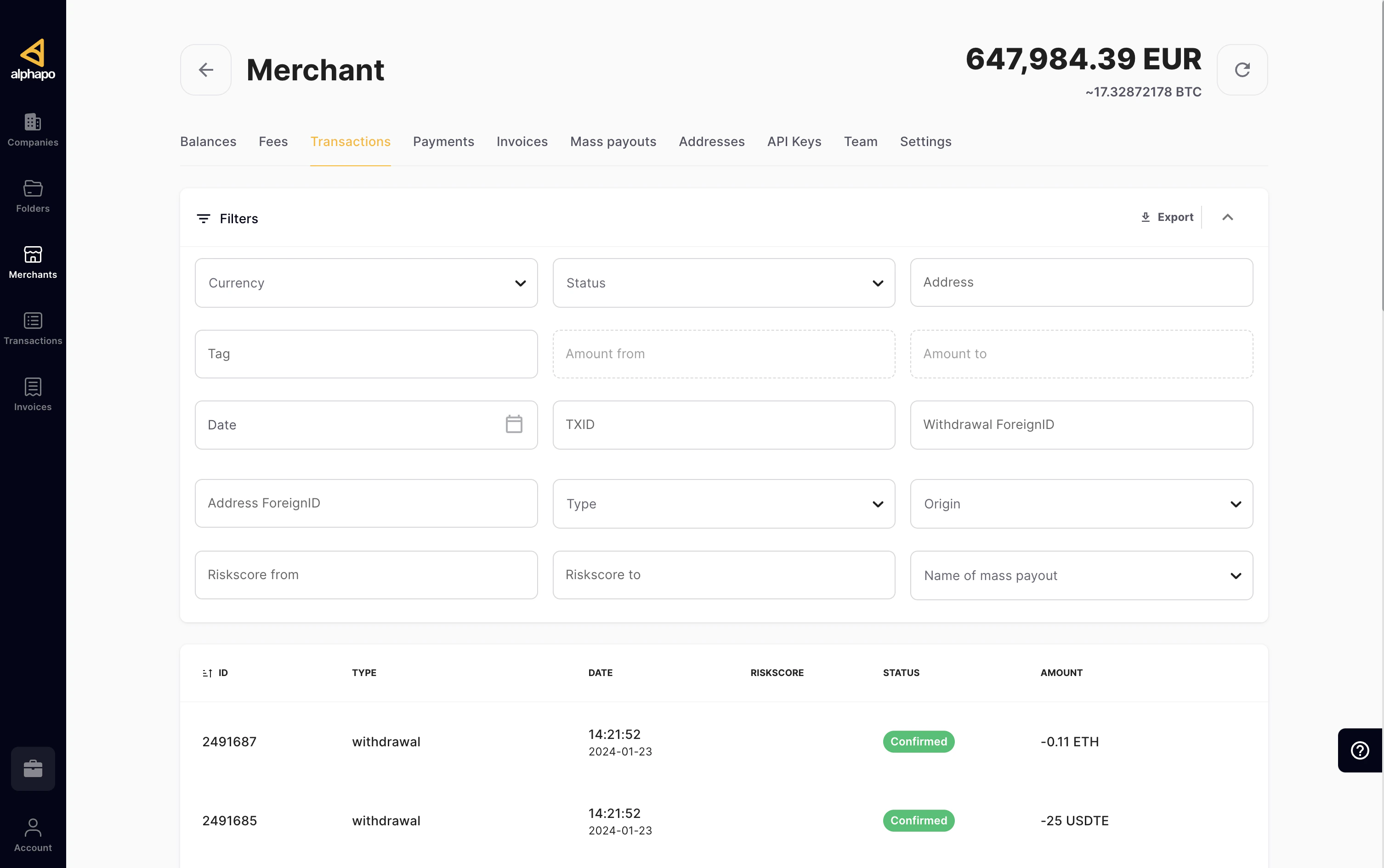
.csv file by clicking the Export button in the upper right corner of the Filter menu.
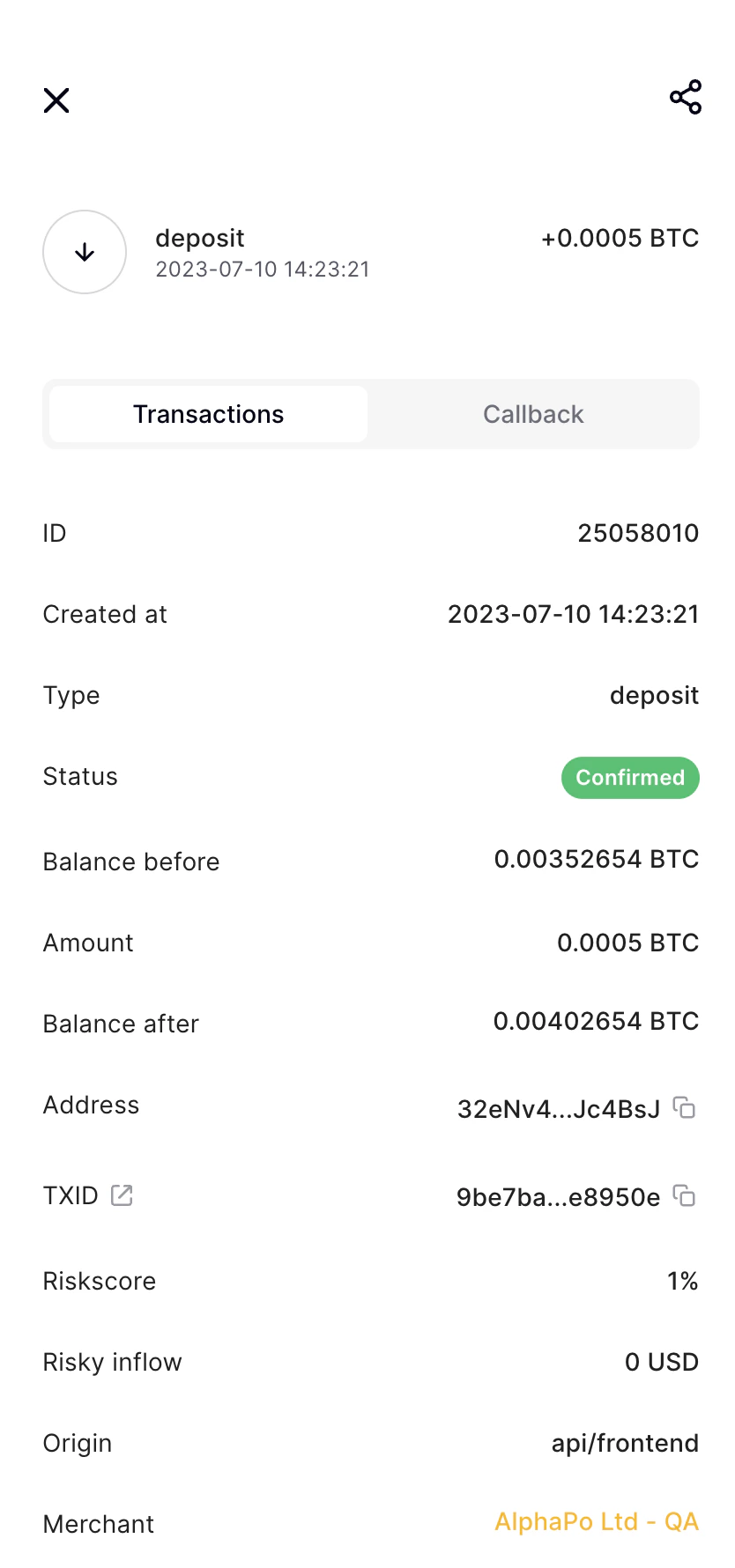
Click on a transaction to open the panel with more details about it. This includes its time of creation, your balances before and after the transaction, the addresses involved, etc. The exact set of properties varies depending on the type of the transaction. If the transaction is a part of a mass payout, the panel will also indicate its ID and name.
For deposits, withdrawals and invoices, the details panel also includes the TXID property (short for “Transaction ID”). Its meaning depends on whether the transaction is external or internal.
- An external transaction is a transaction between a AlphaPo user and an external address. For example, it may be a withdrawal from your balance to an external wallet. An external transaction takes place in the cryptocurrency’s blockchain, where it can be found by its TXID. Click the icon next to the “TXID” label to open the transaction details in a public blockchain explorer.
- An internal transaction is a transaction between two AlphaPo users. For example, if your company has multiple merchants registered at AlphaPo, sending funds between them will be done instantly as an internal transaction. Such a transaction does not get sent to the public blockchain, thus avoiding the mining fee. The TXID property displays a unique identifier of the transaction within AlphaPo.
Risk scoring
In cryptocurrencies, it is often possible to analyze whether the funds used in the new transaction have participated in any suspicious transactions in the past. AlphaPo makes such an analysis for BTC, BCH, ETH, and LTC, providing two parameters for incoming transactions: Risky inflow and Risk score.- Risky inflow is the amount of funds (in USD equivalent) that have originated from transactions that can be considered suspicious.
- Risk score is the percentage of suspicious inputs or addresses among their total number.
Callbacks
You can always go to our back-office interface and get all the information about any specific callback in the Transaction info section, including timings, the number of attempts to send the callback, the format of the response, and so on. If you have technical issues with your callback handler or a long maintenance period, there is a button in the Transaction info section to reset the callback sending queue. Using this function, you can resend the callback immediately.Payments tab
The Payments tab also allows you to keep track of all transactions within your merchant account, and in addition, contains information on our processing fees applied to these transactions and the remainder of your funds after each transaction.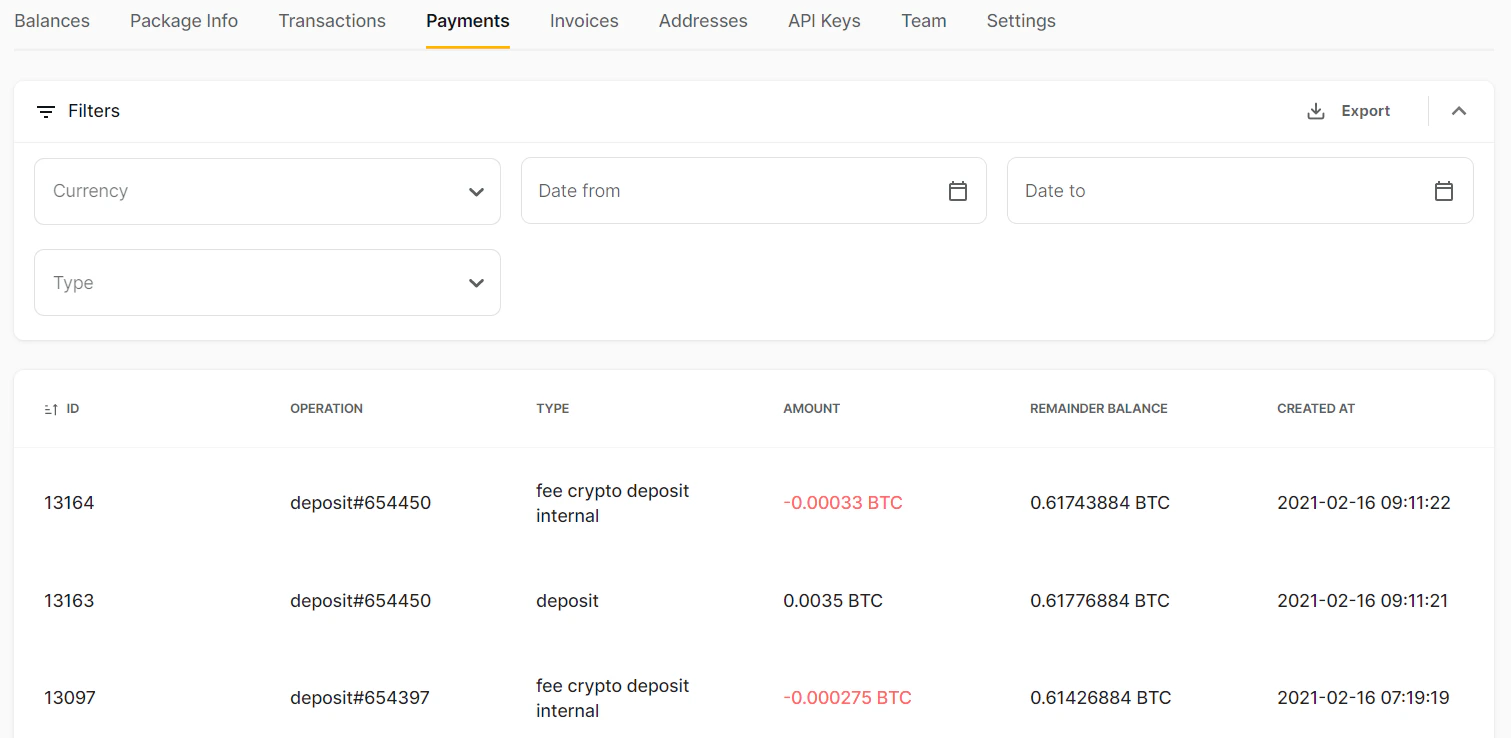
Package info tab
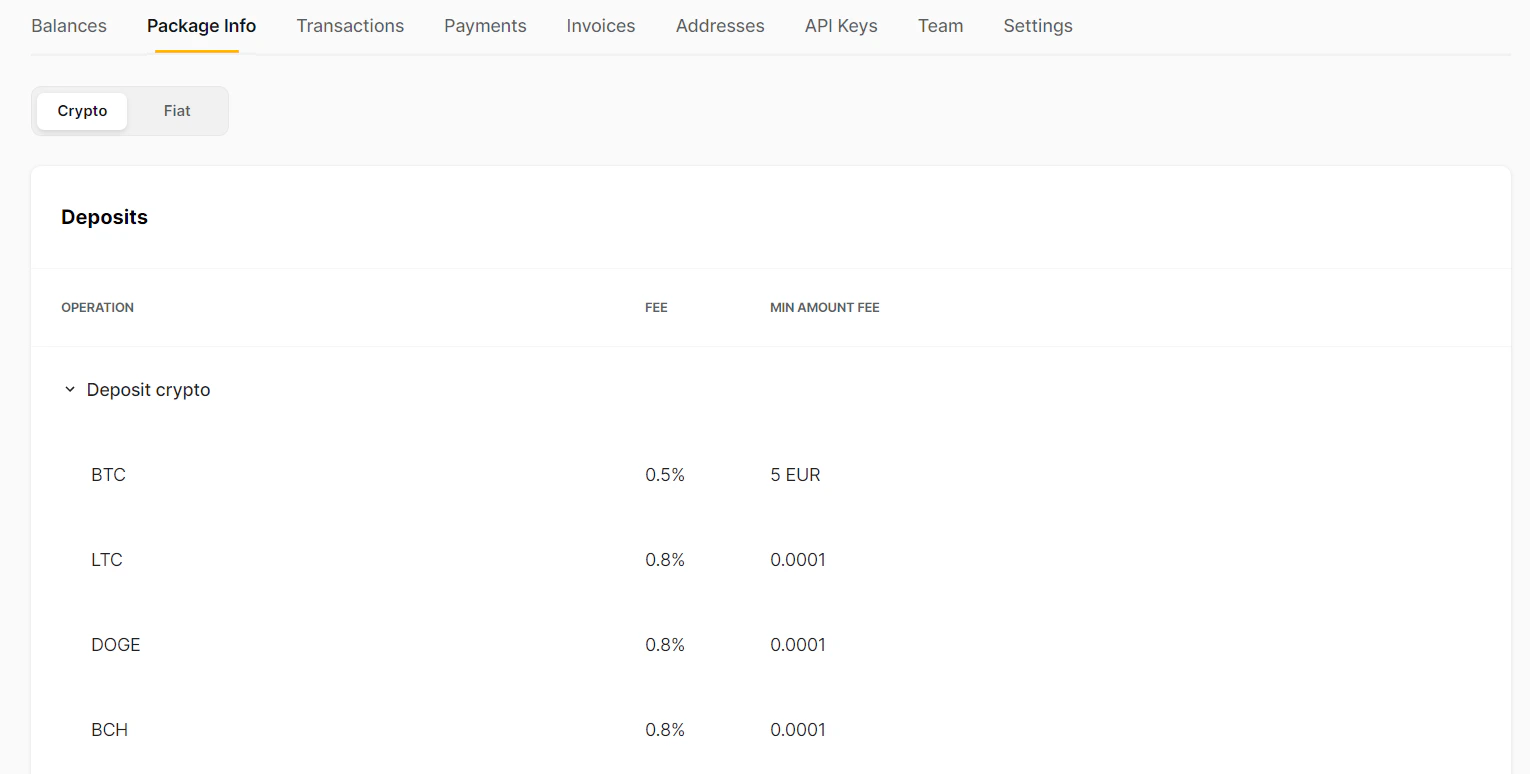
On the Package Info tab, you can check the processing fees for different types of operations.