Documentation Index
Fetch the complete documentation index at: https://docs.alphapo.net/llms.txt
Use this file to discover all available pages before exploring further.
To make API requests, you will need an API key and a secret key.
Do not share your API key with anyone. Anyone who has your key can make requests on your behalf. If you think your data has been compromised, generate a new key and deactivate the old one.
Get an API key
To generate an API key:
Go to your merchant dashboard.
Switch to the API keys tab.
Click Generate API key.At this point, the key is created but not yet ready to be used because it is not activated.
Click Activate next to the API key you want to activate.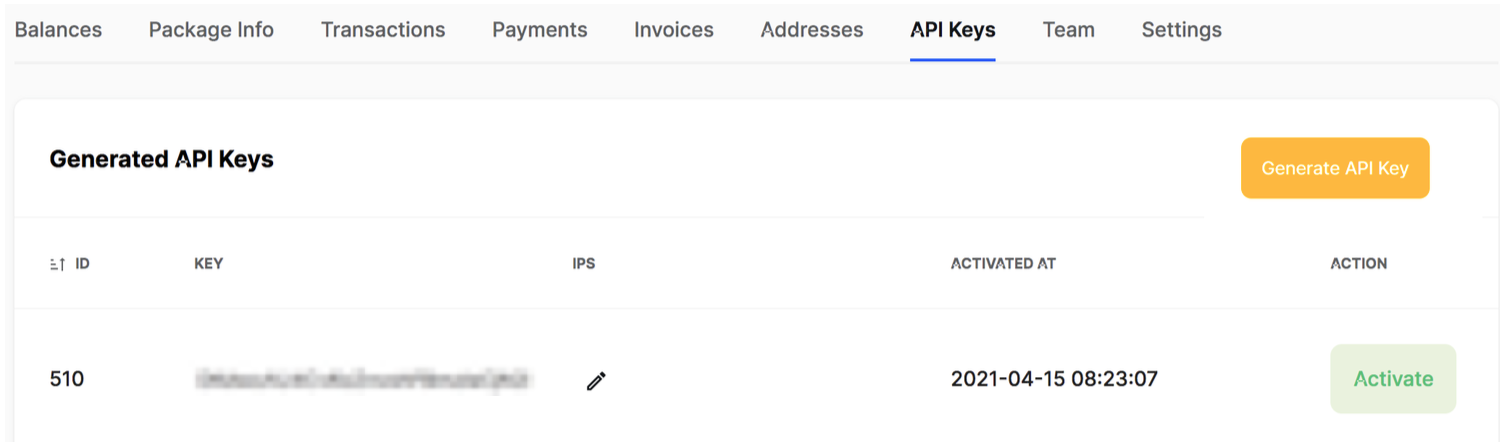
Enter your 2FA code to confirm your action.You will get your secret key that you need to write down somewhere safe. You will only see your key once and will not be able to access it again.If you ever lose your secret key, deactivate the corresponding API key and generate a new pair of keys.
Disable your API key
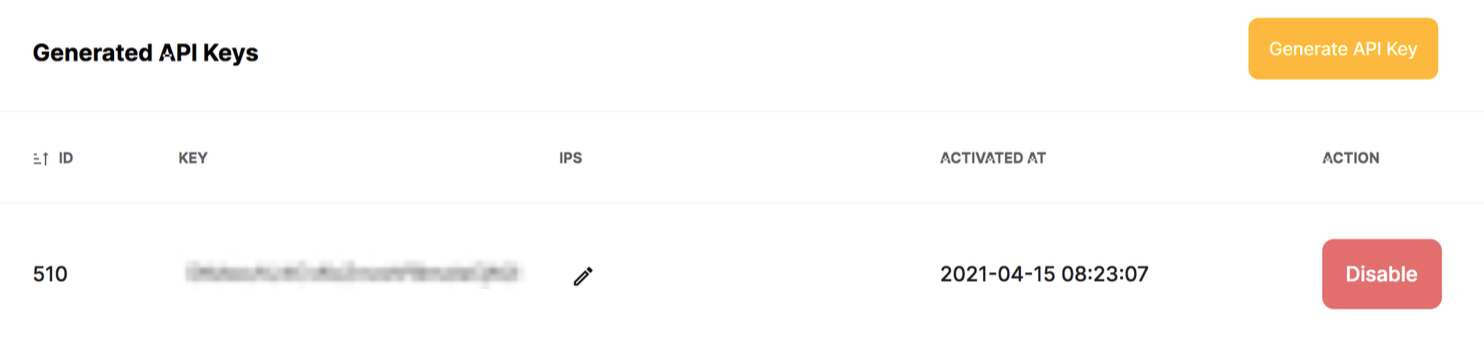
If you think your API key was compromised, click Disable next to it. Once a key is disabled, it cannot be used again.