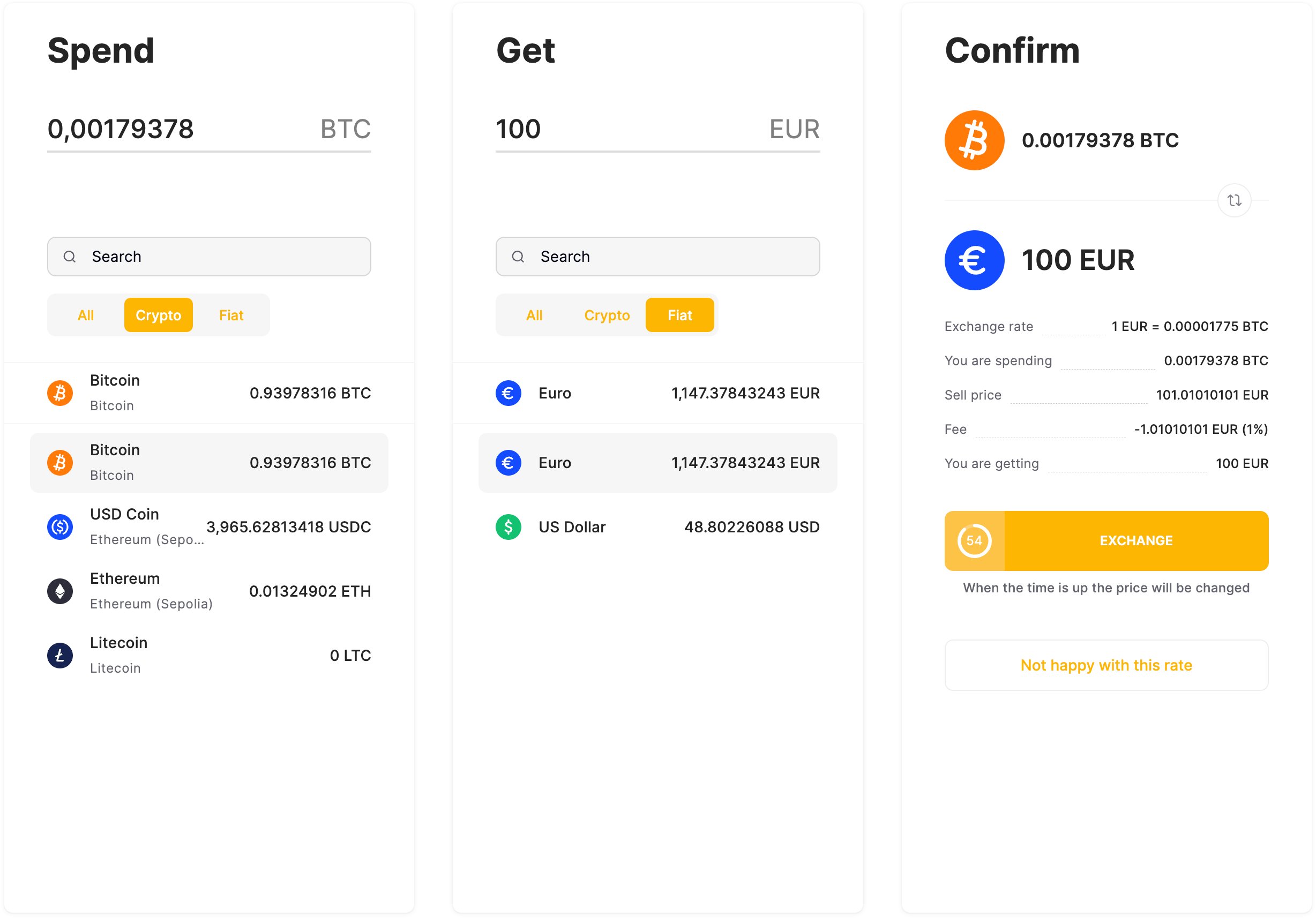
Exchanges via the merchant dashboard
In the merchant dashboard, an exchange can be performed on the Balances tab by selecting a balance and clicking Exchange on the right panel. In a dialog that appears, select the two currencies and specify the amount in either one of them. The other amount will be calculated automatically using the current exchange rate. Click Exchange to fix the rate, then click Accept within 60 seconds to perform the exchange.